Challenge
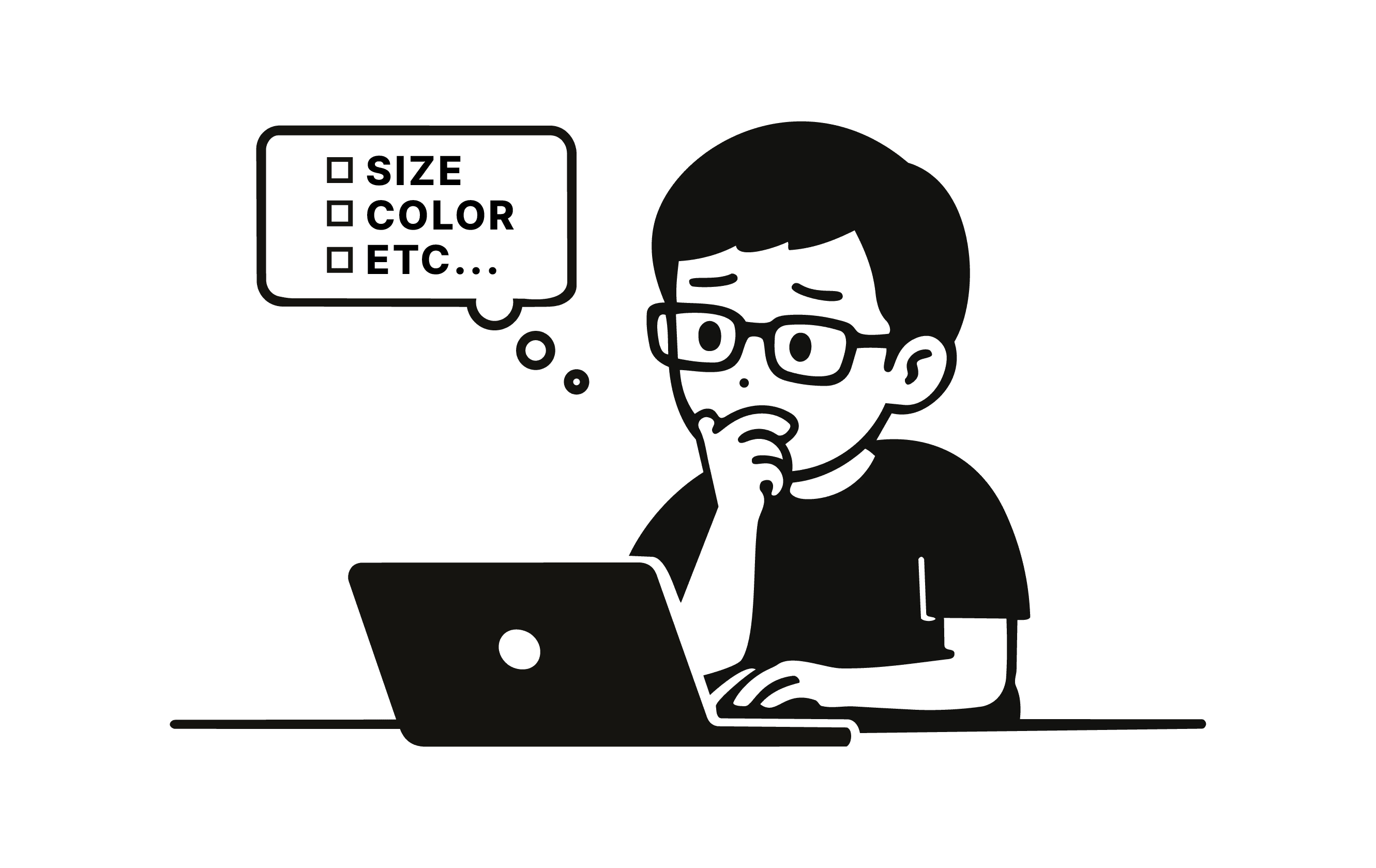
You’ve already checked it. It looks right.
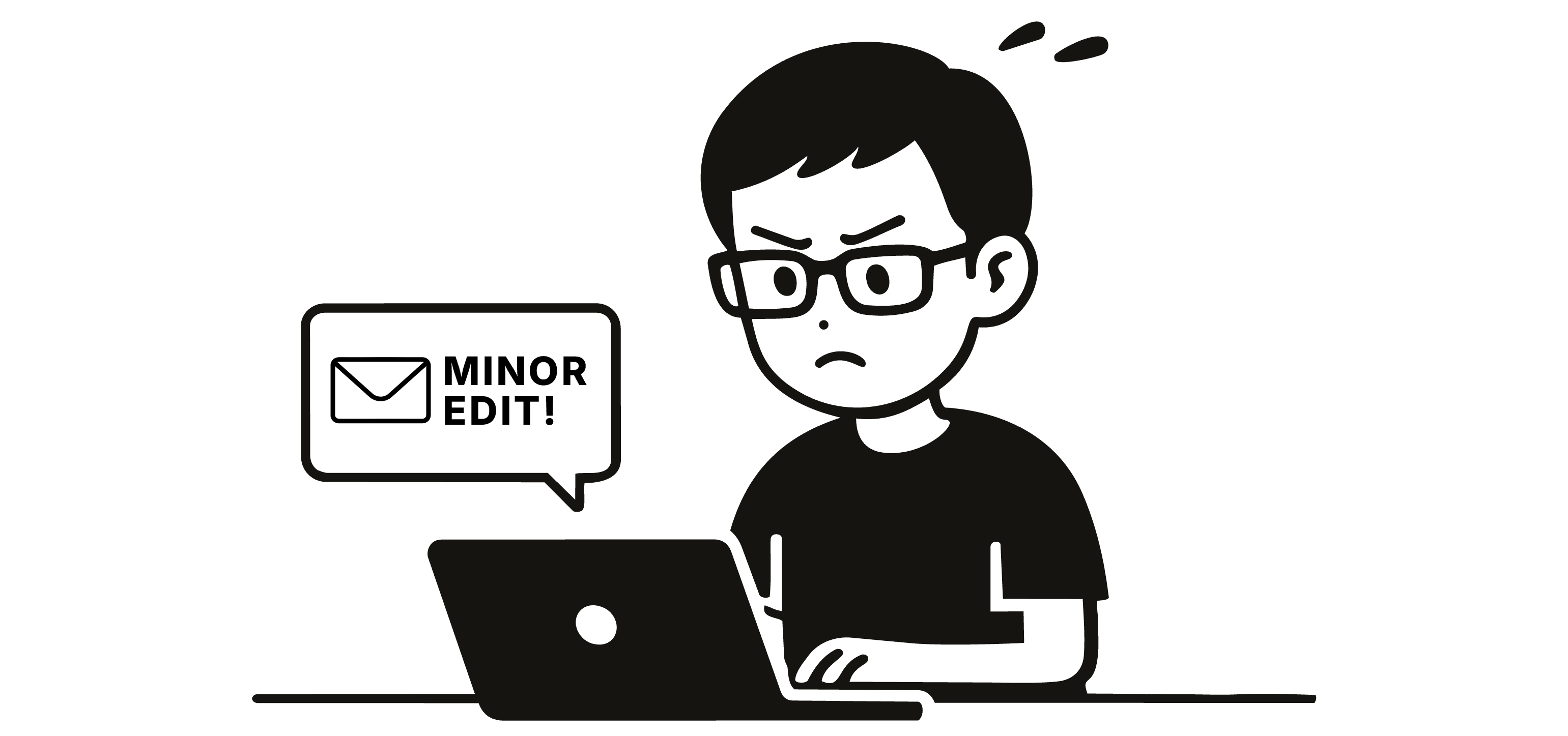
But you open the file again. And again.
Not because it’s wrong.
Because the back-and-forth makes you second guess.
In fast-paced workflows, files move between people constantly. Each handoff breaks focus and forces designers to recheck the same details.
The issue wasn’t attention. It was the lack of guardrails.
Solution
I built a set of lightweight, browser-based tools to add guardrails to the workflow.
I’m not a developer, but I have a working understanding of HTML and JavaScript. I used AI as a technical collaborator to help structure, build, and refine each tool.
The approach was consistent: define the rule, break it into logic, scaffold with AI, then test and refine.
What started as a pre-flight checker for eblast PDFs expanded into a small system:
• Pre-flight checker for format, structure, and client rules
• Export assistant that ensures correct naming and dimensions, fixing Illustrator pixel inconsistencies
• Logo finalizer that outputs and organizes CMYK, RGB, and PMS files
Together, these tools act as guardrails before delivery.
They don’t replace judgment, but reduce avoidable oversight while keeping a final check in place.
Over time, I began using them earlier in the process, catching issues before they turn into repeated back-and-forth.
Result
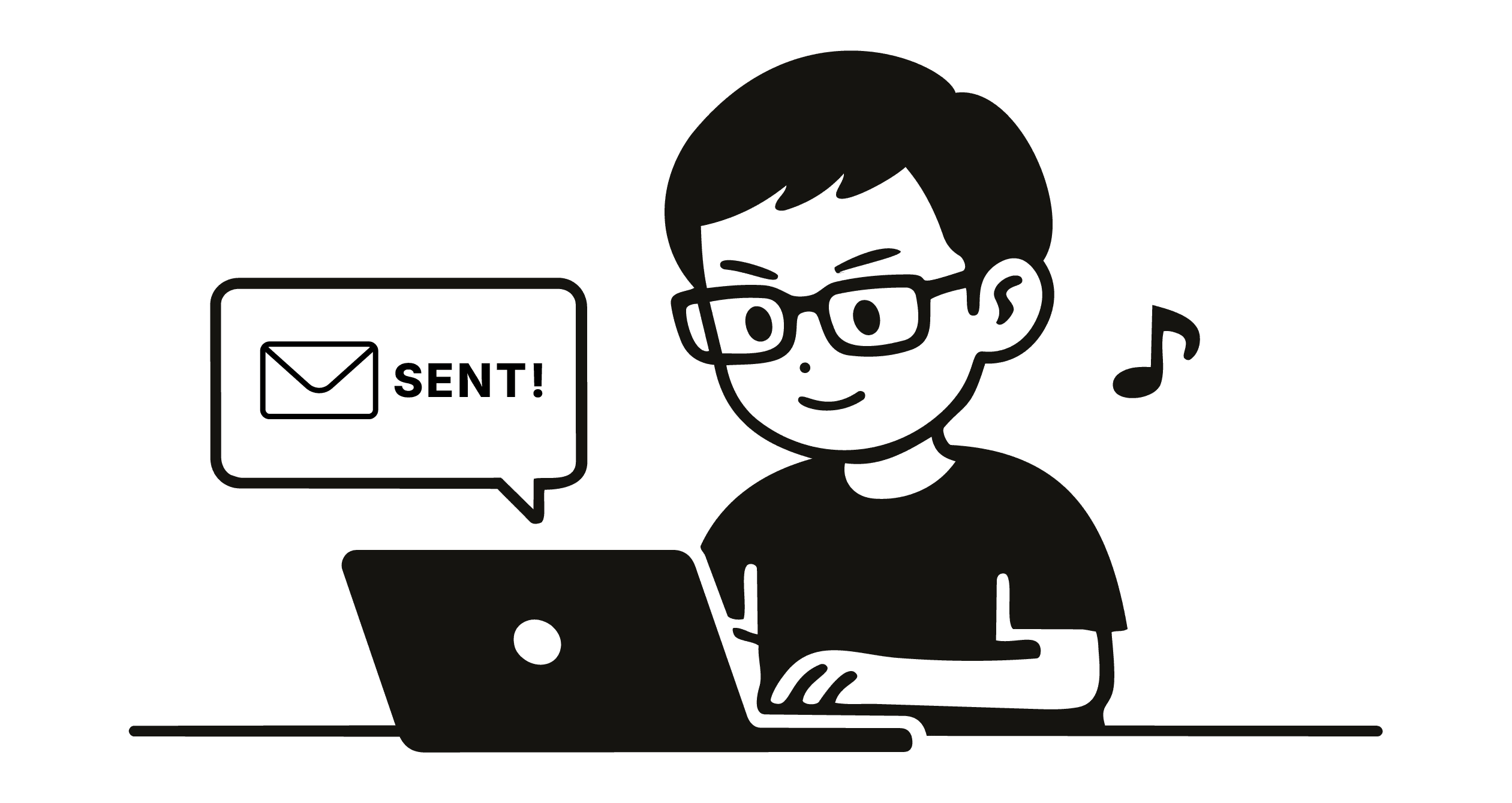
Before, I hesitated before pressing send.
Now, I run the file through the tool and send with confidence.
The impact is operational.
Issues are caught earlier, reducing back-and-forth. What used to take 30 minutes now takes around 10, with the same quality.
Using AI to build these scripts extended my capability, turning repetitive checks into a system.
It doesn’t eliminate revisions. It eliminates preventable ones.
No correction emails. No rushed re-exports.
Just confidence before sending.