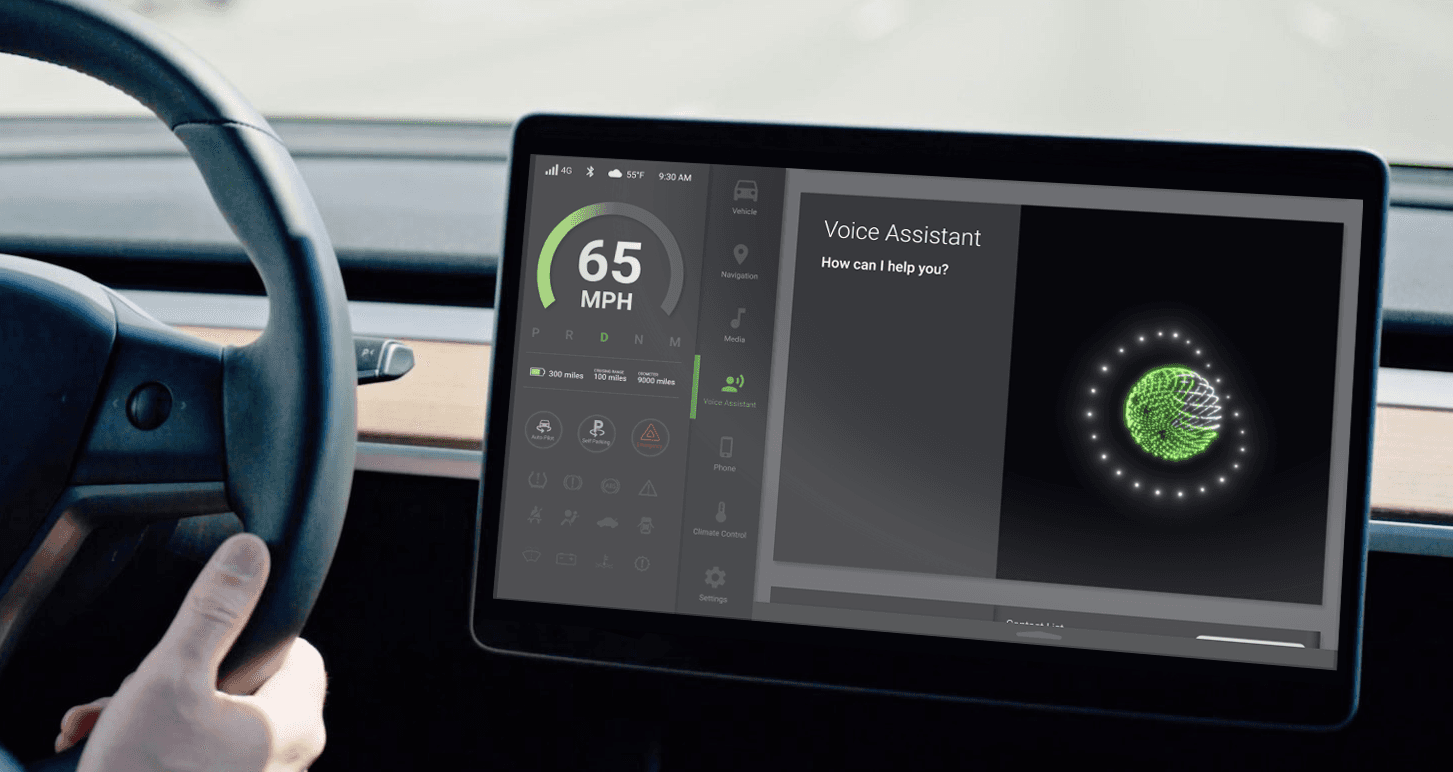
Interface Systems for Electric Vehicles
Electric vehicles introduce a new layer of complexity to dashboard design. More data, more systems, more decisions competing for a driver's attention. The goal of this project was to design a modular interface framework that organizes critical information clearly, reduces cognitive load, and uses motion intentionally to support rather than interrupt the driving experience.
Role
UX Research
UI Design
Motion Design
Challenge
Organize critical data without overwhelming the driver or creating visual distraction.
Objective
Design a modular dashboard framework that prioritizes essential driving information.
From Clutter to Clarity
Research
Research focused on situations where drivers need quick access to essential information rather than full system control. On-site observations and interviews showed that dense layouts and frequent context switching caused frustration, highlighting the need for clearer hierarchy and reduced visual competition.
Layout Strategy
Screen Structure
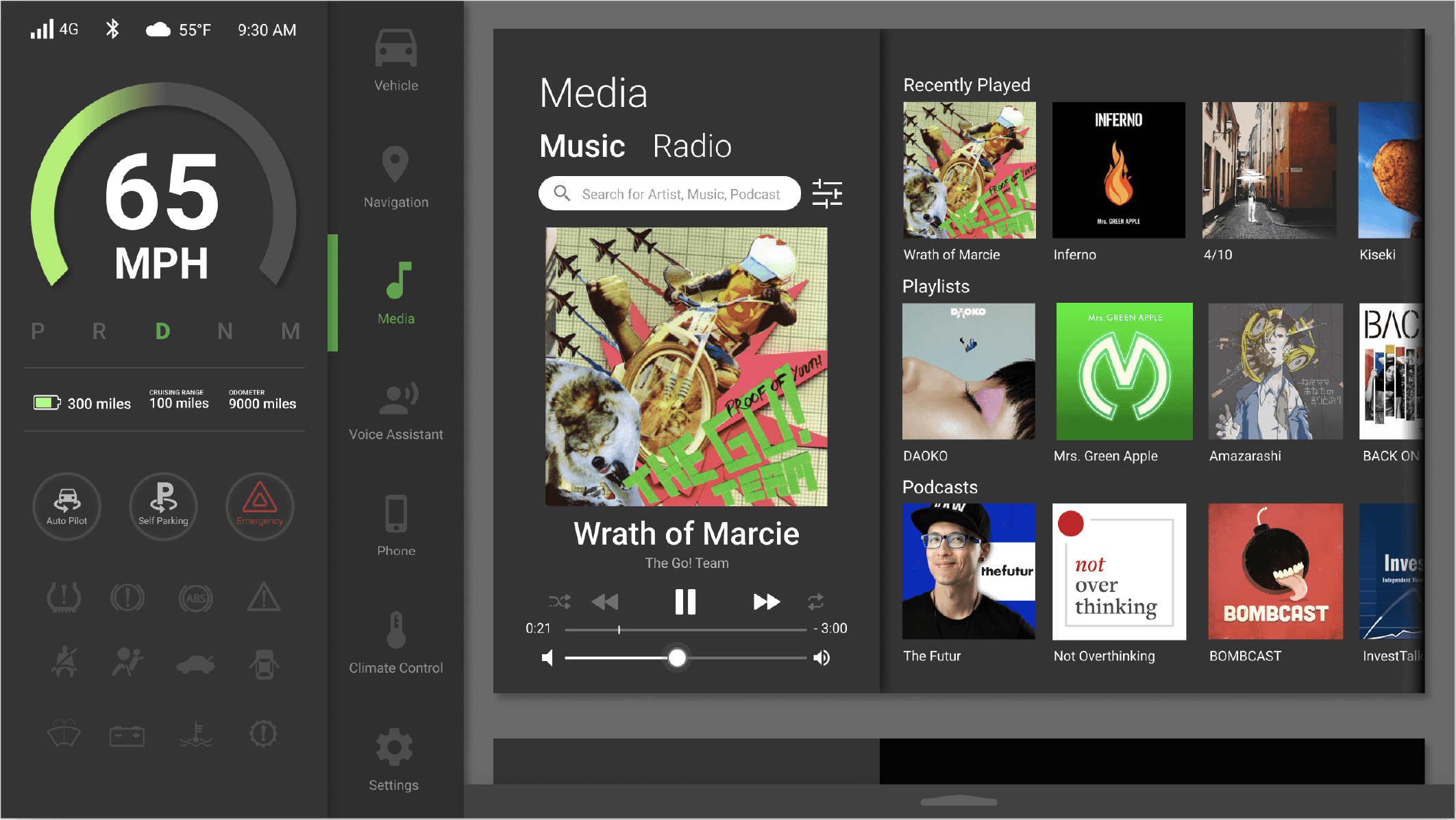
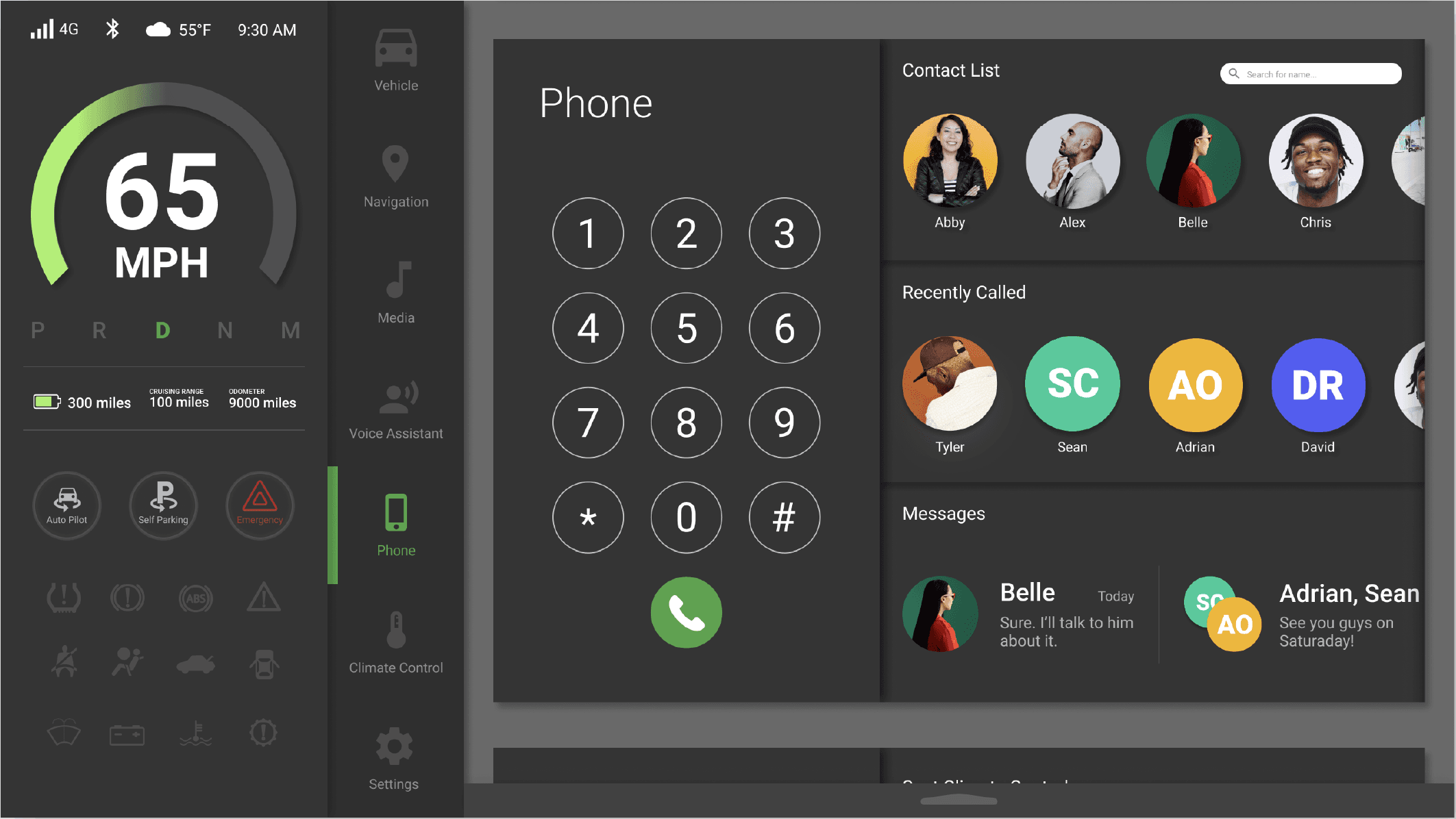
The layout is organized around visibility and reach, placing the most critical information closest to the driver and pushing secondary actions outward. Functions are grouped into clear zones to reduce scanning and simplify interaction while driving.
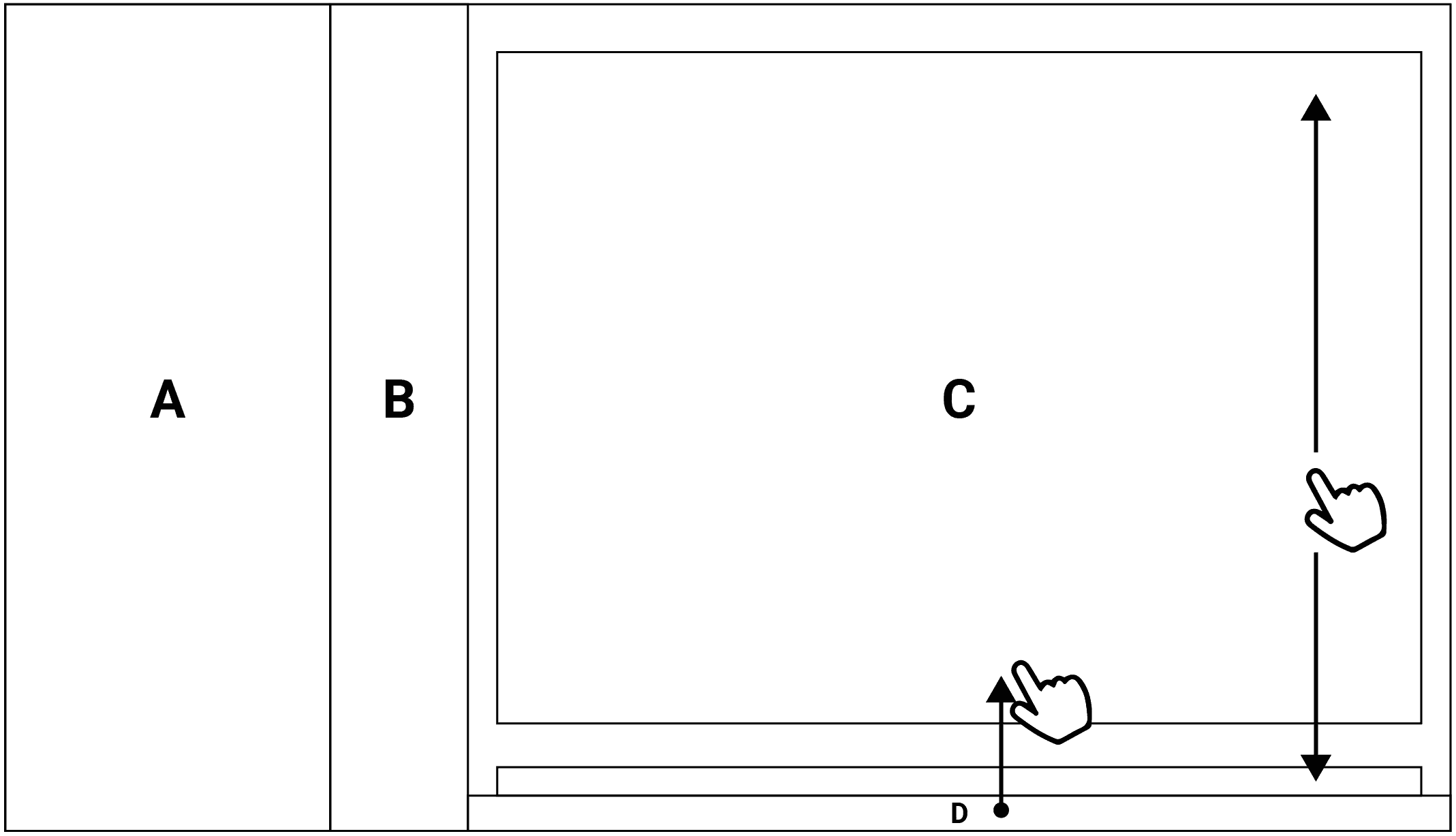
A. Dashboard
Primary driving information and system status
B. Navigation Layer
Secondary functions accessible without
interrupting focus
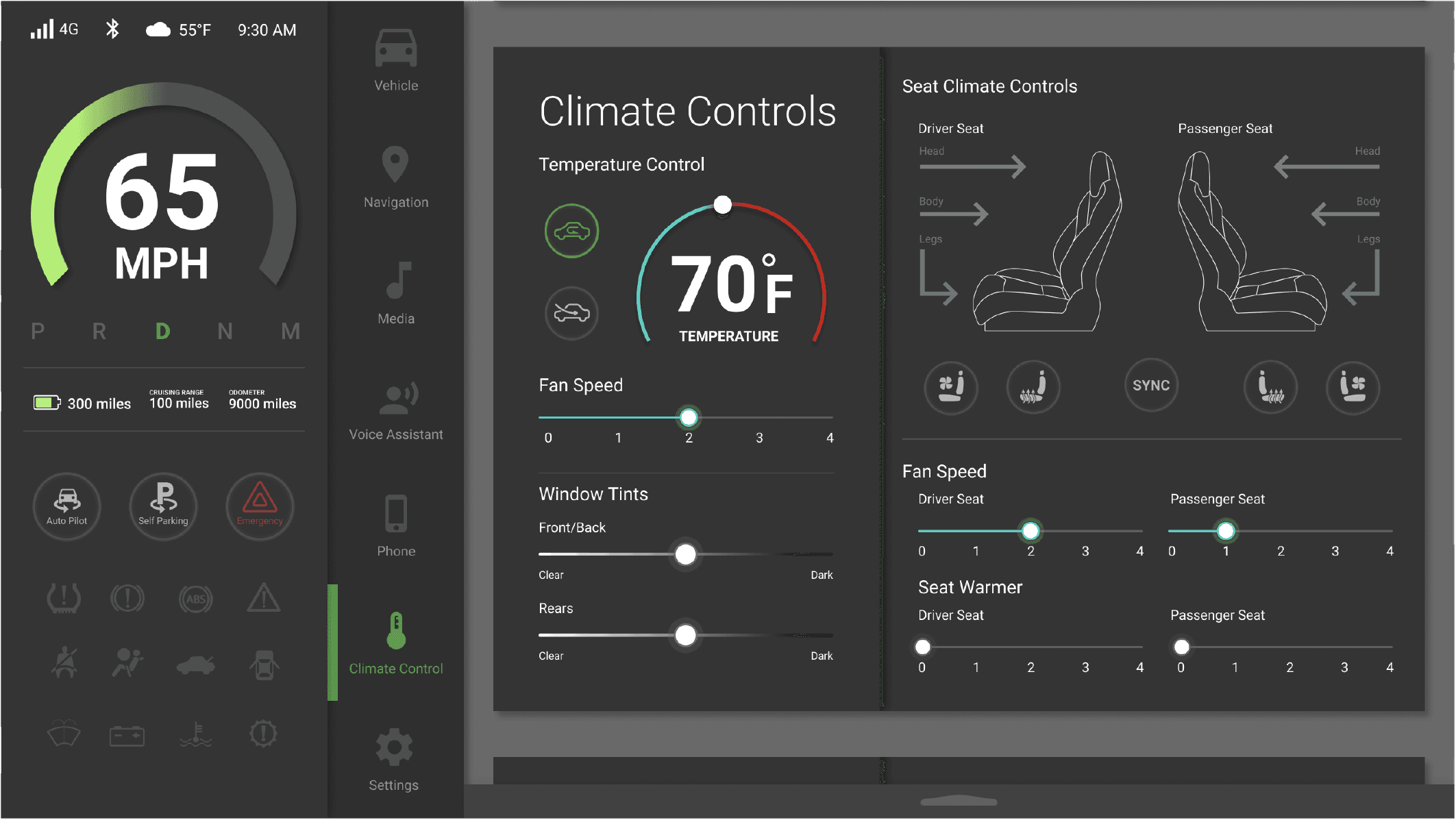
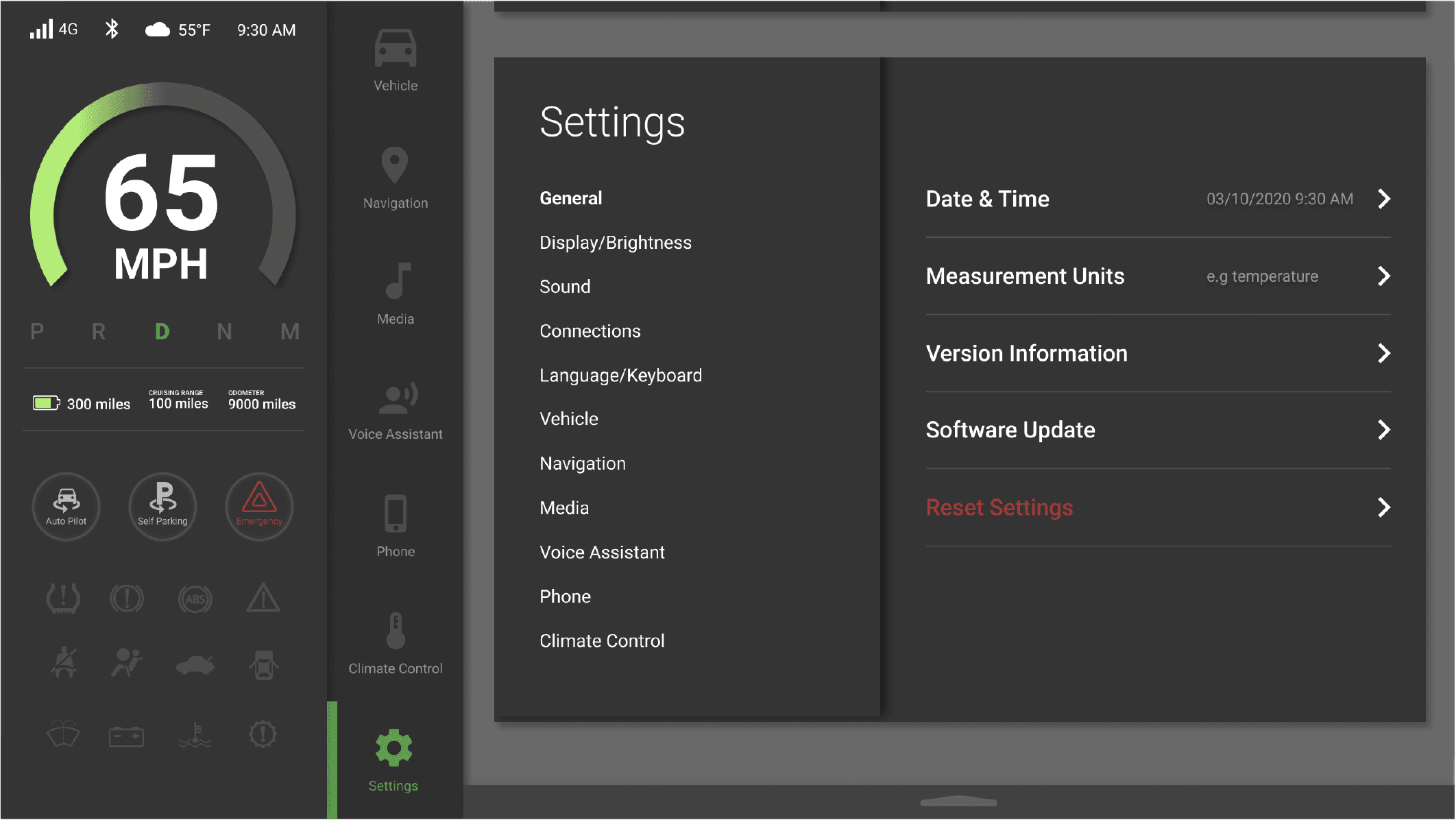
C. Main Content Area
Contextual views such as navigation or media
D. Quick Controls
Gesture-accessed settings for climate and media adjustments
Screen Design
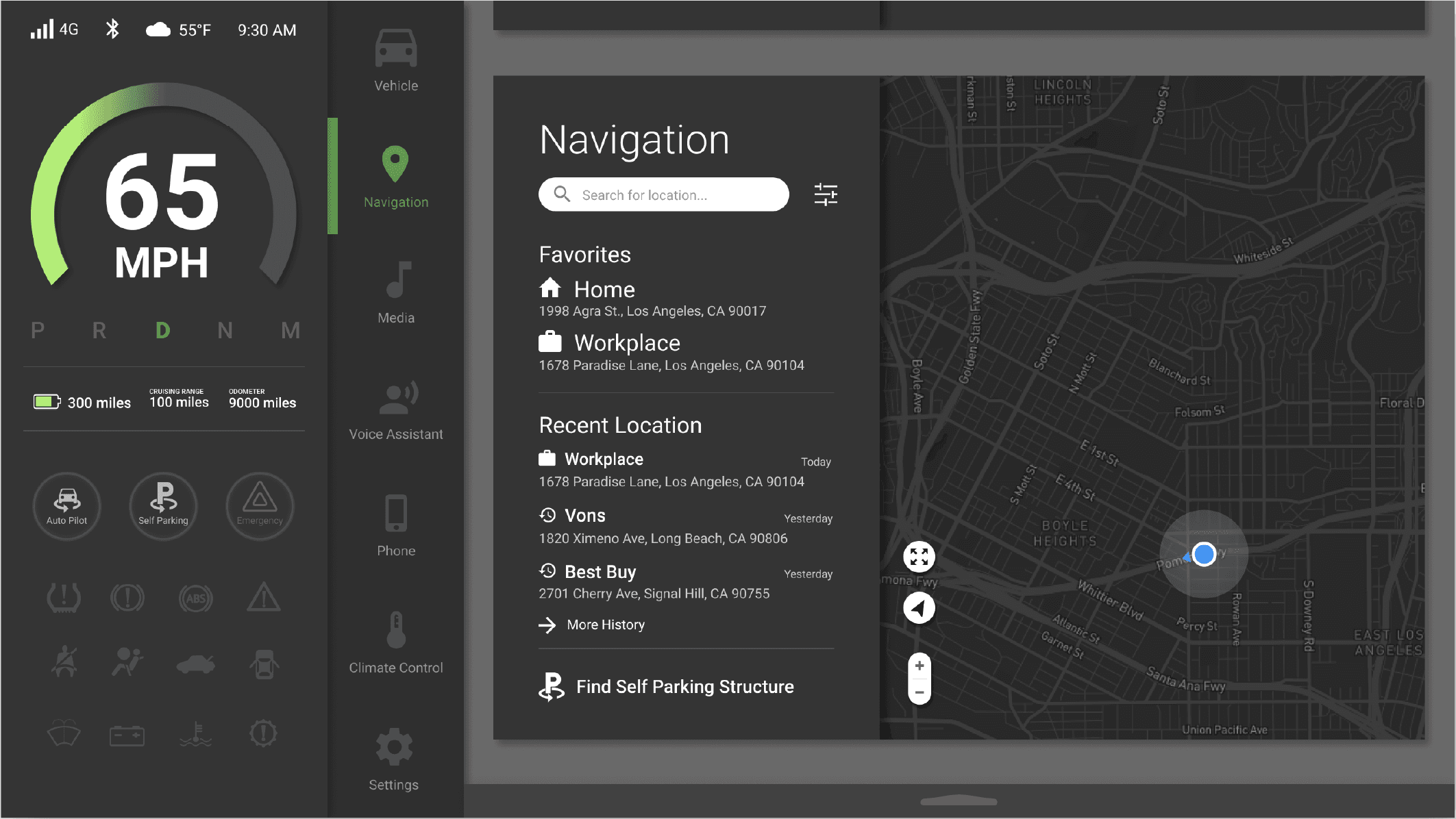
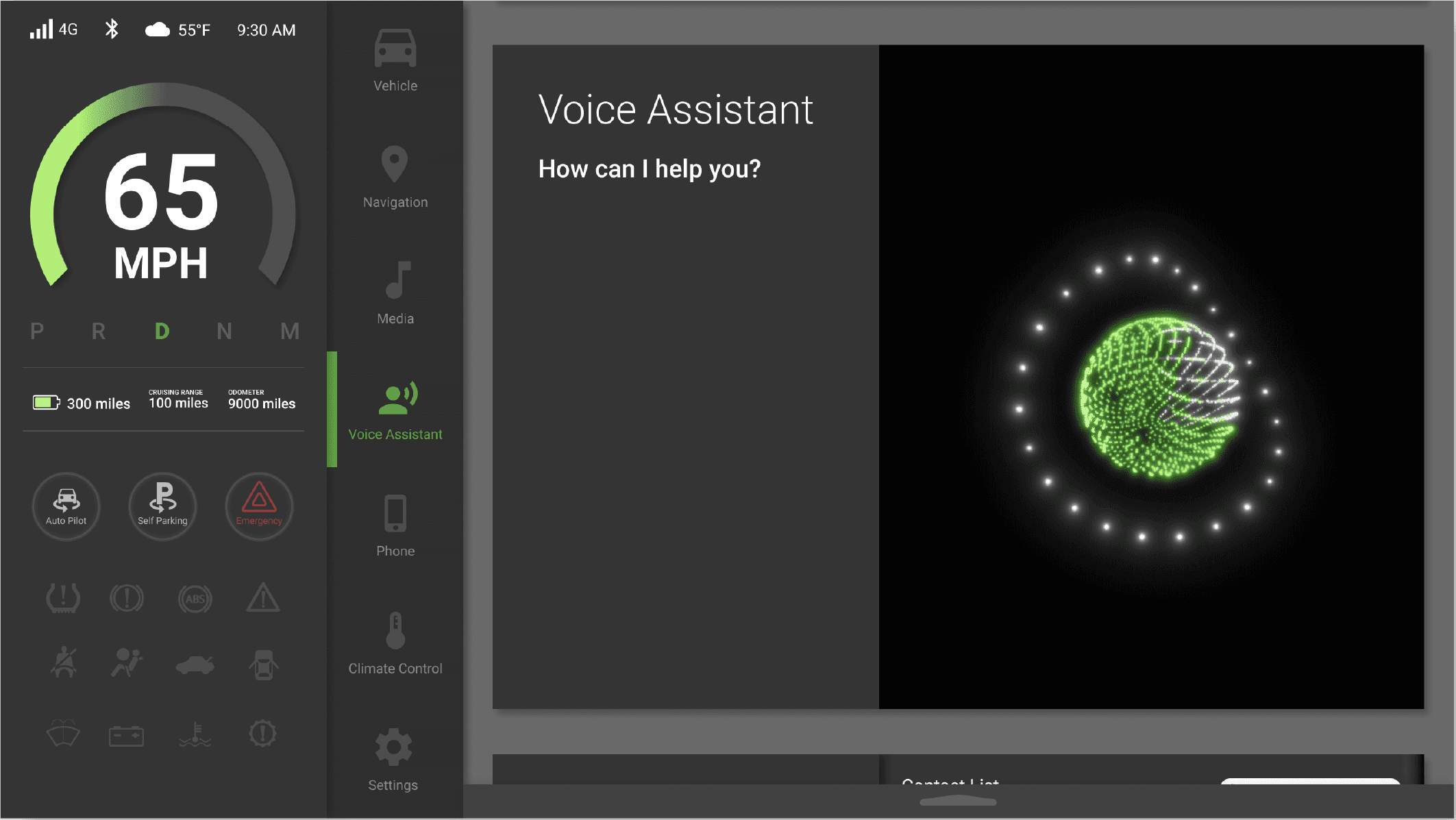
Layout Strategy
Figma Prototype
Check prototype here.